

The sizes need repeating.
Prepare common custom image sizes, generation controls, JPEG quality, and module choices in a central network template.
Prepare a MediaToolkit settings template in Network Admin and deliberately apply it across the active sites in your WordPress Multisite.
Built with love for

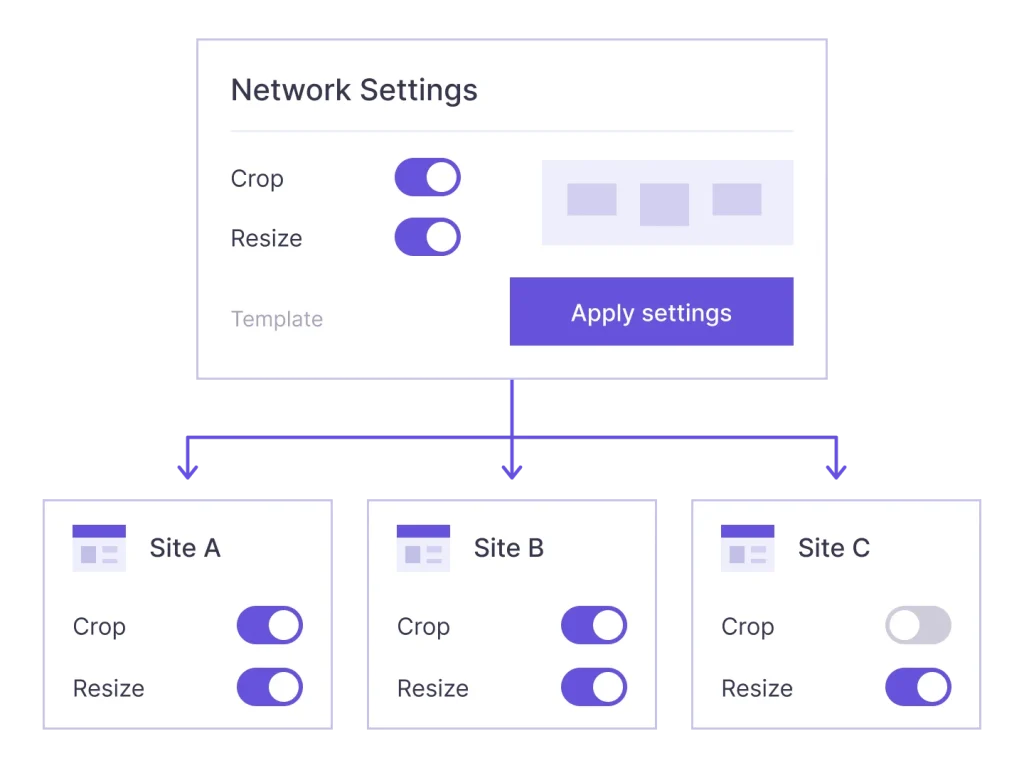
A network baseline is useful when sites share media requirements, even if their content stays separate.
Prepare common custom image sizes, generation controls, JPEG quality, and module choices in a central network template.

Include resize rules and other supported settings in the baseline you intentionally apply across active network sites.

A settings rollout and a license rollout solve separate tasks. Each site still needs a valid license entitlement before the plugin tools can run.
Use Network Admin for a shared starting point, with explicit actions for applying it.
Use the separate license action and review its results. A valid license for the main website opens the network settings; plan limits still govern applicable website activations.
Network licensing
Prepare the supported settings, then explicitly start a rollout to all active sites, including the main site. Review progress and per-site results.
Network Settings
Sites can adjust their own settings afterward. Apply the template again only when you intend to roll out a fresh shared baseline.
Site-level control
The rollout is a one-time application of saved settings. It is not a continuously enforced override, and new sites join only when you explicitly run a later rollout.
Standardize configuration where it helps without turning the network into one content store.
Set the module choices, image-size definitions, generation controls, and upload rules your network needs. The settings action applies the complete saved template across active sites; it does not offer a hand-picked target subset. Archived, deleted, and spam sites are skipped.
Check the whole saved template before starting another rollout, including module choices and upload rules. Applying the baseline is a deliberate network-wide action, so include any site-specific settings you intend to preserve in your planning first.
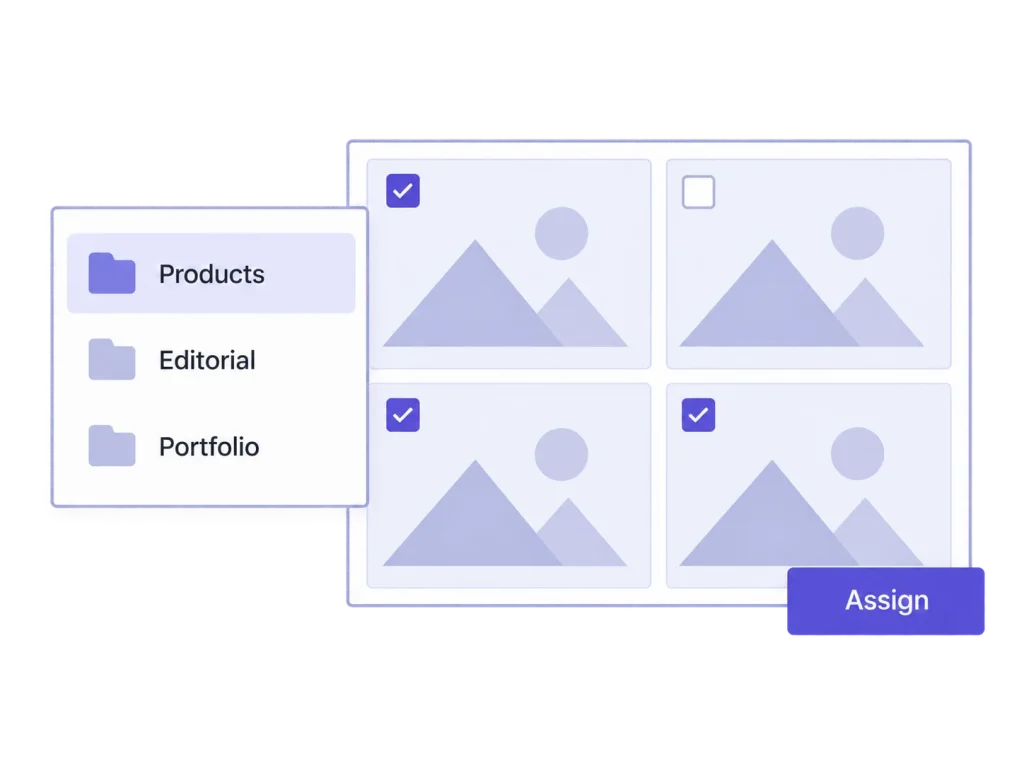
The network template can carry a default upload category using its hierarchy rather than copying a site-specific category ID. Each site keeps its own terms and media records. Assignments, media files, and bulk-job histories are not combined into a shared library.
Use the default category as the starting point for new uploads. Existing media assignments remain site-specific work; open each relevant library and apply its categories deliberately rather than expecting the settings rollout to reorganize earlier uploads.
No. Network Settings works inside a WordPress Multisite network. It is not a remote management dashboard for a collection of independent WordPress installations.
No. The rollout writes the saved baseline once. Local changes remain possible; another explicit settings rollout can apply the saved network template again.
No. A site created after a rollout needs a later, explicitly started rollout to receive that template. There is no continuous automatic synchronization.
Path-based sites under the same main website address share its license state. Separate hosts, such as subdomains or mapped domains, require their own activation state and consume applicable plan allowances. The license server checks validity and available places.
No. Media files, attachments, category assignments, and jobs stay site-specific. Network Settings distributes supported configuration, and its separate license action handles activation.
Related workflows: Image sizes and regeneration · Media organization.