


The new size is missing.
A card layout needs a thumbnail that earlier uploads never had. Generate the missing file variants for the existing library.
Define the dimensions your layouts need, decide which thumbnails get generated, and bring existing images into line with MediaToolkit.
Built with love for

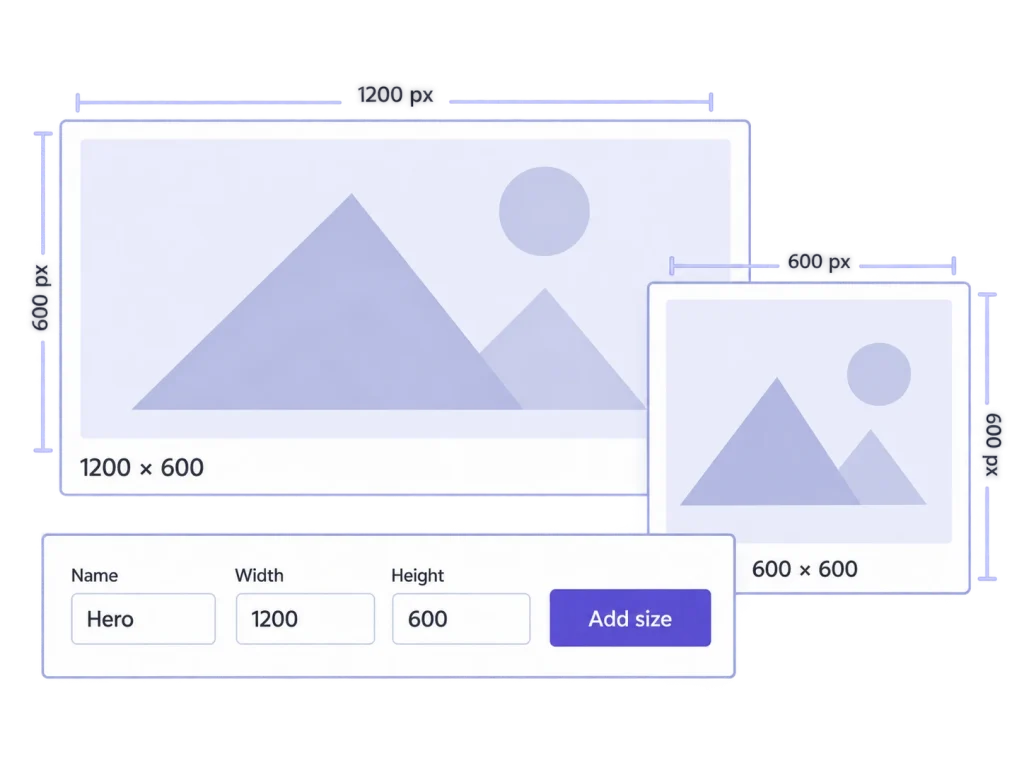
Changing an image-size definition and producing the files are two separate jobs.
A card layout needs a thumbnail that earlier uploads never had. Generate the missing file variants for the existing library.

Review the sizes registered by WordPress, your theme, and plugins. Decide which sizes should be generated going forward.

A rebuild should consider the framing you already chose. Reuse valid saved MediaToolkit crop recipes when regenerating.
Separate a change to your settings from a deliberate change to existing images.
See registered sizes and add your own dimensions, names, and crop settings. Existing core, theme, and plugin definitions remain under their original owner.
Custom Image Sizes
Generate missing thumbnails when you want to fill gaps and preserve existing files. Choose regeneration when the selected variants need rebuilding.
Regenerate Thumbnails
Run the image work through a saved job with progress, pause and resume controls, and a job history. Review the results and any image-specific errors.
Bulk Processing
Saving a size definition or disabling future generation does not itself rewrite or delete existing files. Run regeneration explicitly when you need new variants.
Size management is an ongoing part of maintaining the image library.
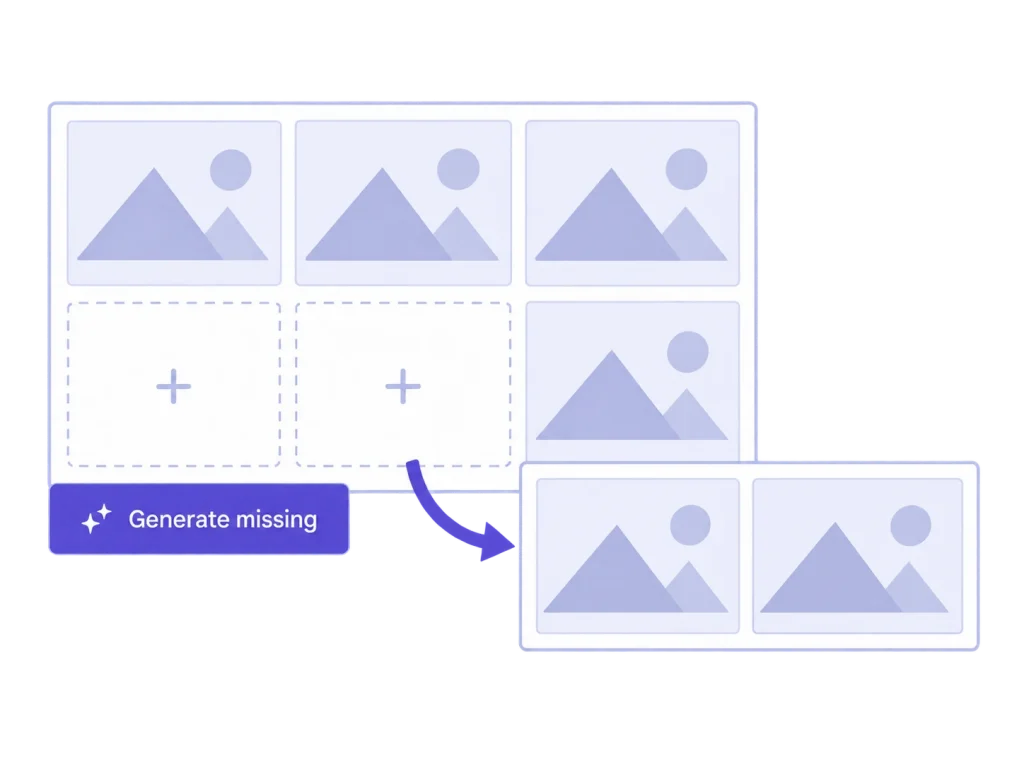
Define the dimensions for a new card treatment, then generate the missing thumbnails for older images. Existing thumbnail files stay unchanged in missing-only mode, so the job can focus on the gaps introduced by the new size.
Check the intended width, height, and crop setting before generating the new size across older images. A correctly named size with the wrong dimensions still produces the wrong result; inspect a representative image and placement first.
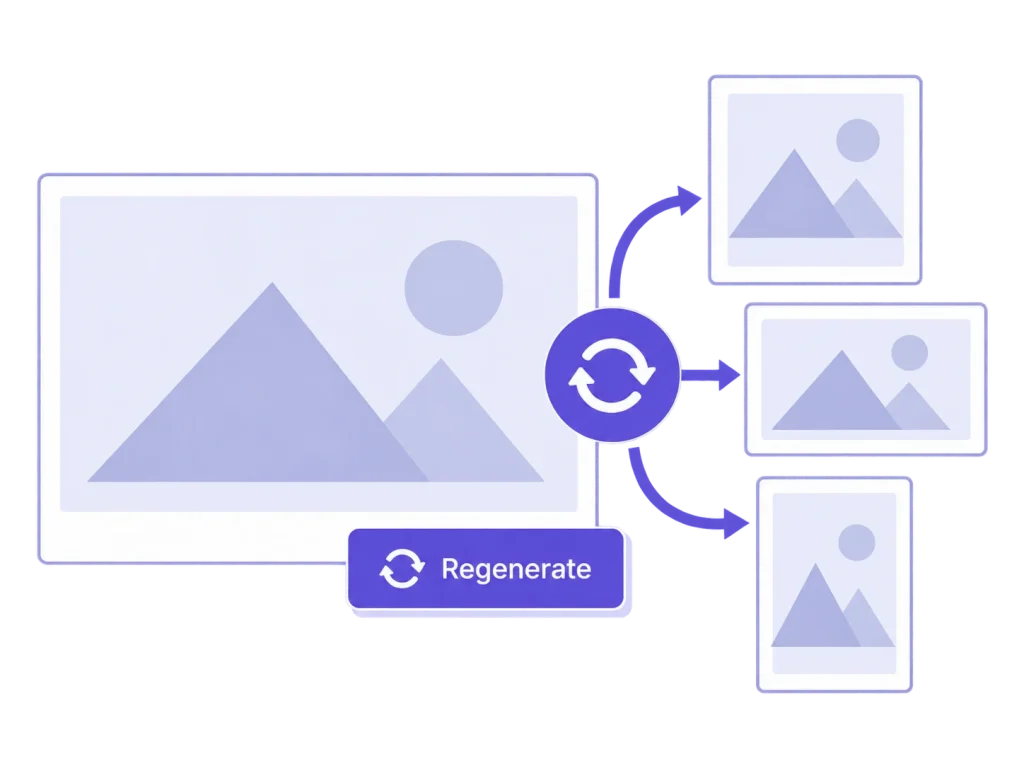
When a selected size needs regenerating, MediaToolkit checks its saved crop and focal-point recipes. Valid recipes can be reused. If the source or size definition has changed, inspect the result rather than assuming an old frame will still fit.
Open the rebuilt image where the site uses it, especially after a theme or layout change. Compare the framing and visible detail at the required dimensions, then adjust the source or crop when the new placement demands it.
No. Saving a definition registers that size for future use. Existing images need an explicit missing-thumbnail or regeneration operation to receive the corresponding files.
Missing-only creates absent thumbnails while keeping existing thumbnail files. Regeneration rebuilds the selected variants according to the current definitions and applicable saved recipes.
You can inspect registered sizes, but MediaToolkit does not overwrite definitions owned by WordPress, themes, or other plugins. Create and manage your own custom sizes.
It can reuse valid saved MediaToolkit crop and focal-point recipes. It cannot reconstruct arbitrary third-party crops or promise identical output after relevant source or size changes.
No. Generation controls affect future file creation. Existing files remain in place; this is not a media cleanup or unused-image deletion tool.
Related workflows: Thumbnail cropping · WordPress Multisite settings.