


The thumbnail misses the detail.
A default crop can cut away the handle, label, or other detail you wanted the photograph to show.
Prepare the WordPress media behind your product imagery. MediaToolkit adds thumbnail crop control, image text editing, resizing, and replacement to the Media Library, so you can work on the image before reviewing it in your store.
Built with love for

Product imagery needs useful framing, sensible dimensions, and image text you can review.
A default crop can cut away the handle, label, or other detail you wanted the photograph to show.

The photographer delivers high-resolution files. Decide which dimensions your website needs before reducing the stored media.

A collection of product photographs leaves titles and alt text to review. Individual attachment dialogs make that repetitive.
Use standard WordPress media tools as part of your store's image preparation process.
01 / Preparing new photography
Resize supported image files individually or in a selected group. Optional upload rules can apply limits to future supported uploads. Keep full-resolution photography separately, since resizing reduces stored originals too.
02 / Reviewing generated images
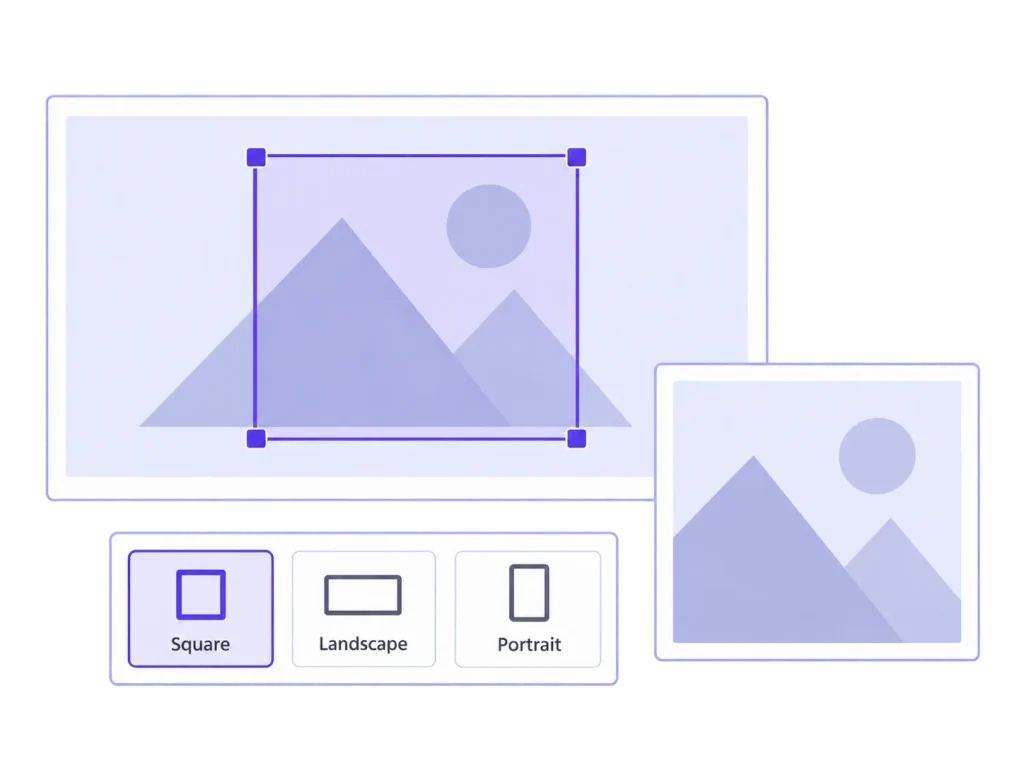
Preview the registered thumbnail sizes available for an attachment. Adjust a crop or focal point, then review the storefront placement to confirm which image size and rendering your theme uses.
03 / Refreshing existing media
Edit Media Library titles and alt text together. Replace a supported image in the same format when appropriate, keeping its attachment ID and main URL. Review regenerated thumbnails after replacement.
MediaToolkit works on WordPress media attachments. It does not synchronize product catalogs or galleries. Check your WooCommerce theme and image workflow before applying changes broadly.
Check the attachment and its appearance in the product layout separately.
Choose a registered image size and preview the crop around the product. Save a manual adjustment where needed. Then inspect the product page or listing: a theme's CSS cropping, original-image use, or another image service can affect the visible result.
Choose a small selection of WordPress image attachments and review their generated sizes. Check how those images appear in the actual product pages and listings, including narrower screens. This is a practical storefront check, not a promise of a dedicated gallery integration.
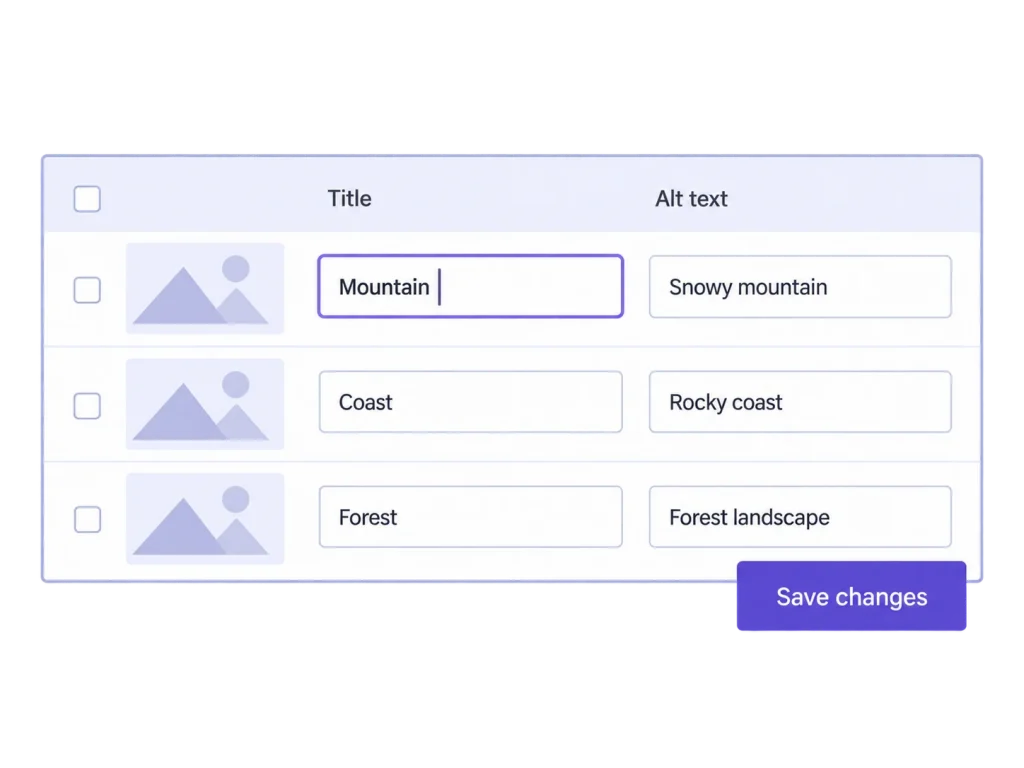
Find attachments, filter empty image text fields, and edit titles, alt text, captions, and descriptions in the table. These are Media Library records. MediaToolkit does not edit product descriptions, product attributes, or text already stored in page or image blocks.
The table edits attachment records, not the catalog entries that reference them. Write image text for the photograph being shown, then use your product editor for product names and descriptions. Reviewing both separately avoids treating a media text change as a catalog update.
MediaToolkit provides tools for WordPress Media Library attachments. A dedicated WooCommerce product gallery integration has not been verified. Use it for supported media tasks, and test your particular theme, gallery, and image processing setup before a broader rollout.
A crop changes a generated thumbnail size. The visible result depends on which image a listing uses and any further cropping applied by the theme or a service. Review representative product pages and listings after editing.
For a supported WordPress image attachment, same-format replacement keeps its ID, main URL, and media texts. Thumbnails are rebuilt and custom crops are replaced. This does not promise synchronization of third-party gallery data or automatic external cache clearing.
MediaToolkit offers local file optimization and additional WebP or AVIF generation on supported servers. It does not automatically deliver those formats, provide a CDN, or control third-party image delivery. Measure the actual files and storefront result.
Choose a yearly subscription for the number of activated WordPress websites you need. The same functionality, Media Insights, updates, and email support are included in every plan. Site allowances are one, up to five, or up to 25.
Related workflows: Resize and optimize images · Replace existing WordPress images.