


The new size does not exist yet.
Changing a size definition does not create every older image variant. Existing uploads may need generation.
If you only need to rebuild thumbnails after a theme or size change, the free Regenerate Thumbnails plugin may be enough. MediaToolkit adds size management, saved crop control and ongoing image editing in one WordPress toolkit.
Built with love for

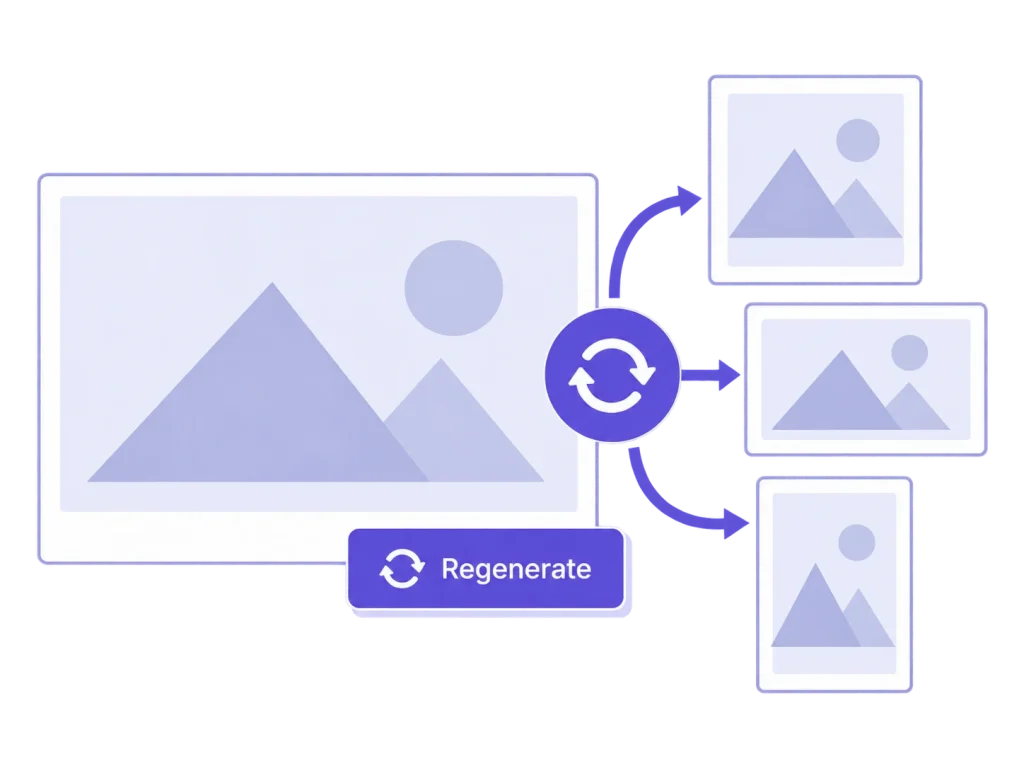
First decide whether you need a one-off rebuild or a set of tools for the next round of image work.
Changing a size definition does not create every older image variant. Existing uploads may need generation.

A correctly sized file can still cut off the subject. Regeneration and composition are separate decisions.

Think beyond the rebuild if you also maintain image texts, replace images and resize large uploads.
Manufacturer documentation checked 20 October 2026. Regenerate Thumbnails is a valid free specialist. This comparison describes scope rather than claiming faster or safer processing.
| Comparison point | MediaToolkit | Regenerate Thumbnails |
|---|---|---|
| Rebuilding thumbnails |
One image or bulk work Rebuild selected image sizes with progress tracking for bulk jobs. |
Focused regeneration Regenerates sizes for one or more existing images. |
| Already existing files |
Missing-only mode Create missing thumbnail files while leaving existing thumbnails unchanged. |
Skip existing correct sizes Its documented option can skip already correctly sized thumbnails. |
| Saved composition |
MediaToolkit crop recipes Reuse valid crops and focal points saved by MediaToolkit during regeneration. |
Check custom-crop behaviour Equivalent reuse of MediaToolkit-specific saved recipes is not established. |
| Size definitions |
Define and review sizes Create custom sizes and control future thumbnail generation. |
Uses registered sizes The documented workflow rebuilds sizes registered on the site. |
| Old thumbnail cleanup |
No automatic cleanup Generation controls do not delete existing files. Media Insights is a review tool. |
Obsolete-size deletion The publisher documents removing old, unused thumbnail sizes. |
| Price and ongoing work |
Annual media toolkit All features, Insights and email support; website allowance varies by plan. |
Free focused plugin A reasonable option when regeneration is the job you need. |
Choose for recurring media maintenance
…you need to define sizes, refine the composition and regenerate around valid saved crop choices, then continue with replacement, image texts and other media tasks.
Choose for a focused rebuild
…you want a free specialist for generating registered sizes. Check its current compatibility information against your installation before running the job.
A controlled sequence for existing media when the design changes.
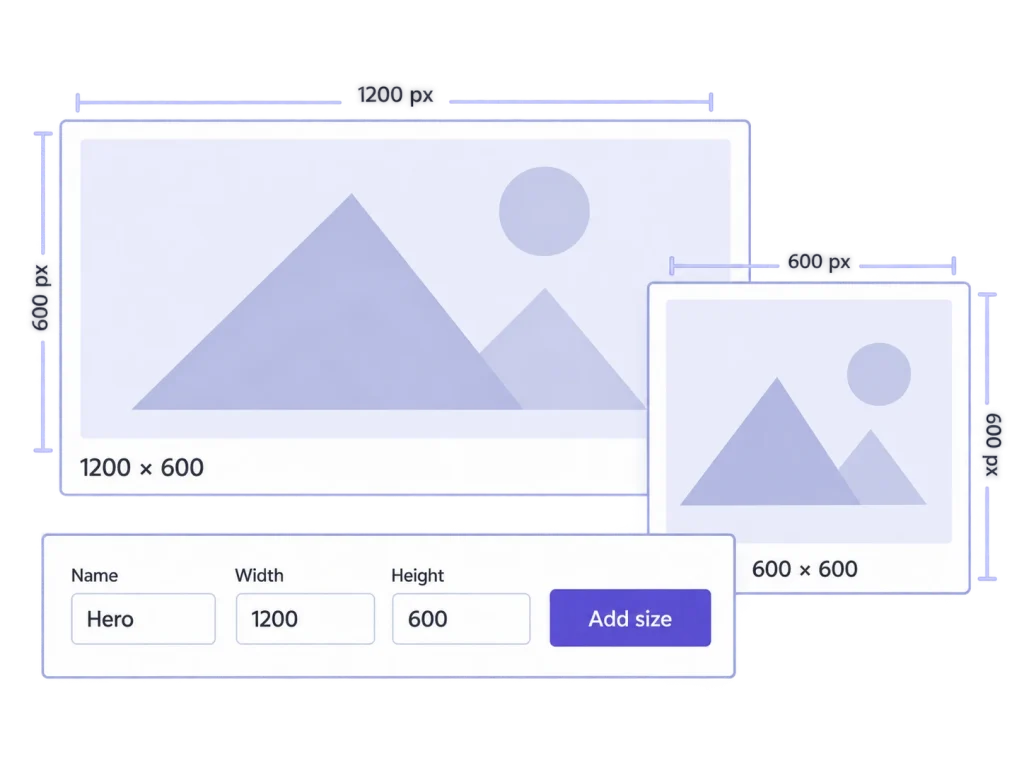
Create the custom dimensions your design needs and review the registered sizes. Save the definitions, then generate missing variants or deliberately rebuild selected sizes. Saving a setting alone does not alter existing files or force your theme to use a new size.
Use missing-only generation when you want to fill file gaps while preserving existing thumbnail files. Choose a rebuild when existing variants should change. Review the resulting placements before treating the new size setup as ready for the whole library.
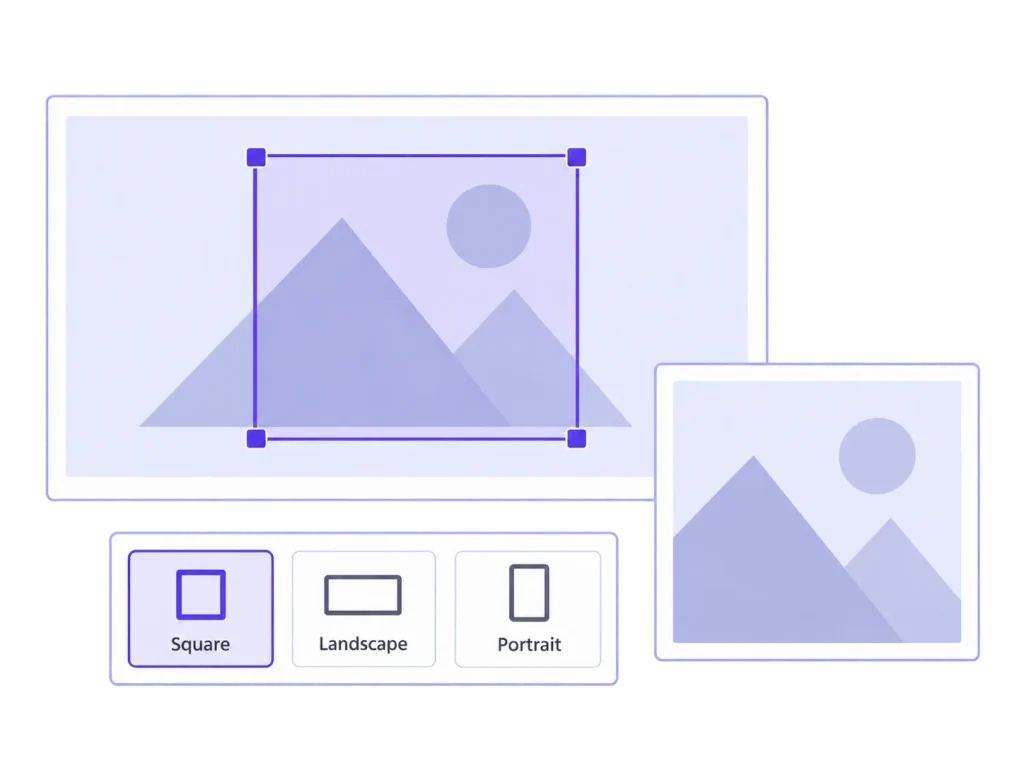
Set a focal point, preview the available sizes and save manual exceptions for awkward frames. Regeneration can use those MediaToolkit recipes when they remain valid for the image and size. It does not import another plugin’s custom crop data.
Explicit crop, focal-point and regeneration operations can enlarge output through interpolation. They do not reconstruct missing detail with AI. Inspect the enlarged result at its intended display size before deciding whether the existing source is good enough.
Pay when the broader recurring work justifies it. MediaToolkit adds its own crop and focal-point workflow, size management, replacement, image-text editing and other tools. A one-off regeneration task may only need the free specialist.
Yes. MediaToolkit has a missing-only mode. Regenerate Thumbnails also documents skipping existing correctly sized thumbnails. These are real overlapping capabilities; choose based on the full workflow you need.
Do not assume that. MediaToolkit can reuse its own saved crop and focal-point settings when valid. Third-party crop recipes are not automatically imported, and changed source images or dimensions can affect which settings remain usable.
On 20 October 2026 its WordPress.org listing displayed a notice about testing against recent major WordPress releases. That notice is not proof of failure. Check the current listing and your own staging environment for compatibility.
MediaToolkit is a yearly subscription with automatic renewal and cancellation at the end of the paid term. The comparison uses our product documentation and the linked Regenerate Thumbnails listing and maintainer repository, checked 20 October 2026; no performance benchmark is claimed.
Related workflows: Sizes and thumbnail regeneration · Cropping and focal points · WordPress agency workflows.
Manufacturer sources, checked 20 October 2026: Regenerate Thumbnails on WordPress.org · Regenerate Thumbnails maintainer repository. This comparison uses published documentation, not a head-to-head performance test.