


Which files should WordPress create?
Review size definitions and generation rules before rebuilding the library. Both products address parts of this work.
Choose MediaToolkit for per-size crops, focal points and everyday image maintenance. Consider Perfect Images if Retina images or image-delivery services are central to your setup; both plugins offer image-size management and regeneration.
Built with love for

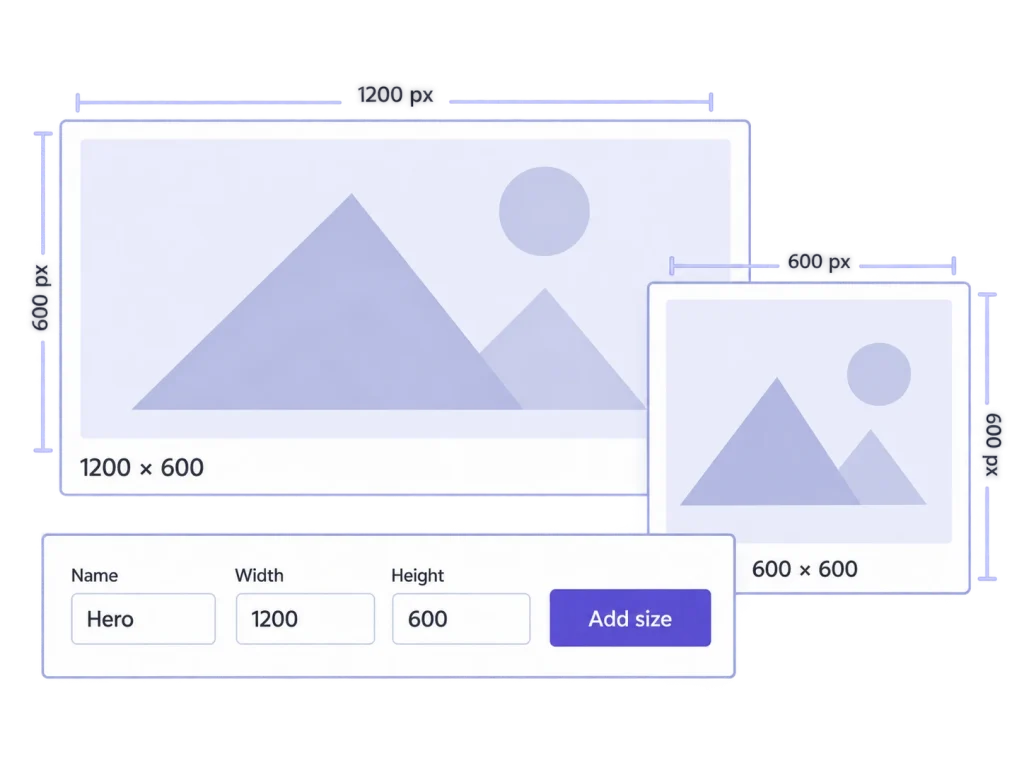
A file can be large enough for the screen and still have the wrong frame. Start with what you want to change.
Review size definitions and generation rules before rebuilding the library. Both products address parts of this work.

Per-size composition, high-density variants and modern-format delivery answer different visual requirements.

A local format copy and a CDN subscription are different components. Check edition and service conditions.
Manufacturer documentation checked 20 October 2026. Perfect Images was previously known as WP Retina 2x. Edition and external-service conditions differ; see the sources in the FAQ.
| Comparison point | MediaToolkit | Perfect Images |
|---|---|---|
| Sizes and regeneration |
Define, control and rebuild Create custom sizes, manage future generation and rebuild selected variants. |
Overlapping size tools Size management and bulk regeneration are documented. |
| Composition and Retina |
Manual per-size composition Focal points and manual thumbnail crops. No dedicated Retina-generation or delivery system. |
Retina generation and delivery Retina is a published focus; Pro adds full-size Retina capabilities. |
| WebP/AVIF and delivery |
Additional local format files Server-supported generation. Automatic frontend selection and CDN delivery are not included. |
Formats and CDN options Local modern formats and Easy IO/CDN integration are documented. Check service terms. |
| Image replacement |
Same-format image changes Retain the main URL, attachment ID and texts. Thumbnails and crops are rebuilt. |
Replacement workflow The tutorial describes replacing images and updating their generated variants. |
| Small source images |
Conventional interpolation Explicit crop, focal-point and regenerate operations can enlarge output using interpolation. AI detail reconstruction is not included. |
Pro AI upscaling An external Claid.ai workflow is listed; verify account and usage requirements. |
| Ongoing work and plans |
Annual editing toolkit Image texts, resize, categories and Insights are included alongside size tools in every plan. |
Free and Pro editions Compare the required thumbnail/full-size capabilities and any separate service costs. |
Choose for editorial image work
…your routine combines crop decisions, image texts, replacement and size maintenance. You want these everyday tasks together, with the complete toolkit included in each annual plan.
Choose for resolution and delivery needs
…Retina variants, their delivery methods or its published CDN and AI-upscaling options are central requirements. Compare editions and external-service terms for that setup.
Two editing jobs alongside your delivery requirements.
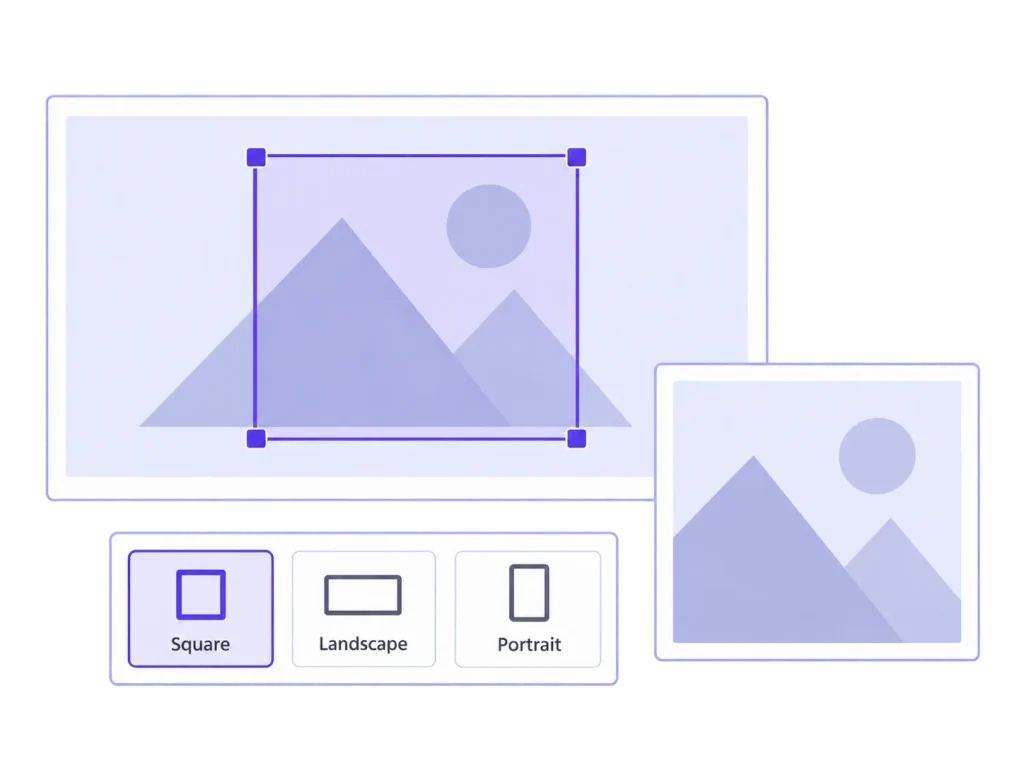
Set a focal point and inspect each thumbnail preview. Save manual exceptions where a wide or square placement needs a different frame. Those choices control generated thumbnails; a theme that applies a separate CSS crop may still need its own adjustment.
Saving a better thumbnail frame addresses composition. Serving an appropriate high-density variant is another part of the website setup. Evaluate both when they matter, and do not assume a crop adjustment also configures a dedicated Retina delivery system.
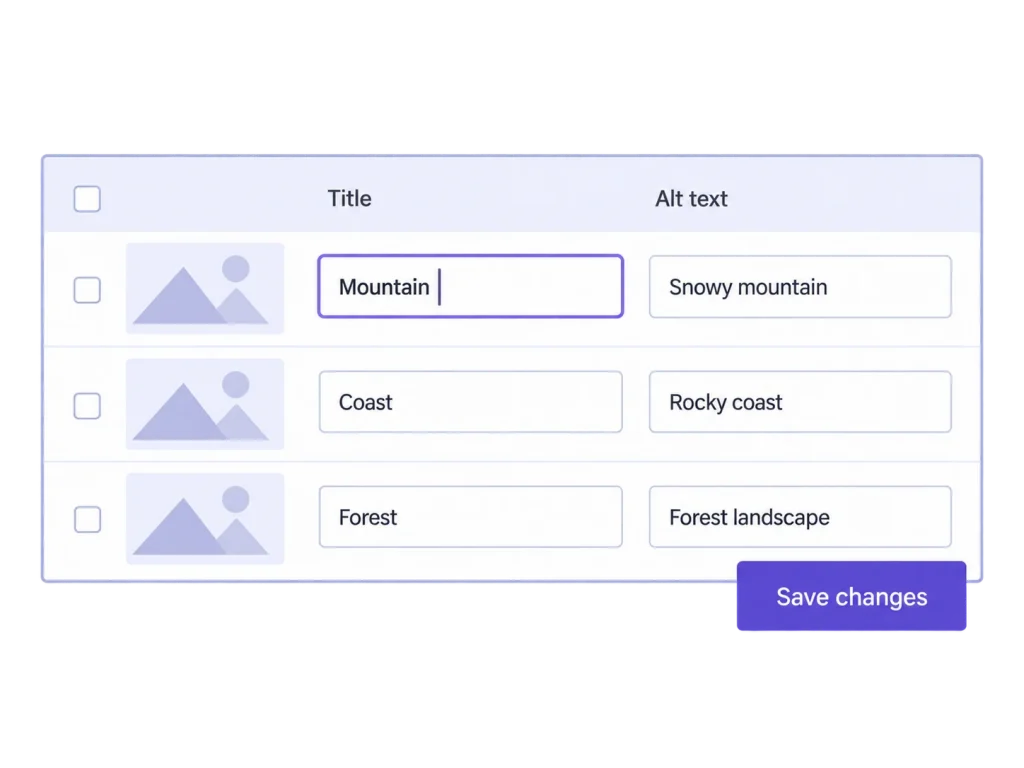
Work through alt text, titles, captions and descriptions in a table. Search and empty-field filters help focus the review, and changed values can be saved together. You provide the text; updates do not rewrite image text already stored inside published posts.
Size generation and format conversion do not decide what an image caption should say. Include the people reviewing those words in your plugin evaluation. Their recurring editorial work can matter as much as the technical file variants your website needs.
The publisher identifies Perfect Images as the product previously known as WP Retina 2x. Its current documentation covers size management, Retina, formats and related modules. Use the current product and edition information for your comparison.
It manages ordinary registered image sizes, but it does not include a dedicated Retina-generation and delivery system. If that system is your main requirement, evaluate Perfect Images’ documented Retina workflow.
No. It generates additional local files on supported servers. Automatic frontend selection, rewrite rules and CDN delivery are separate requirements. Do not treat the existence of a converted file as proof that visitors receive it.
Yes. Explicit crop, focal-point and regenerate operations can enlarge thumbnails using interpolation. Uploads are not automatically upscaled. AI detail reconstruction is not included. Perfect Images Pro advertises a separate external AI-upscaling workflow; check its service requirements.
MediaToolkit is a yearly subscription with automatic renewal, cancellable at the end of the paid term. All plans include all features. Compare Perfect Images’ editions and service terms separately. Sources checked 20 October 2026; no speed or quality benchmark is claimed.
Related workflows: Sizes and regeneration · Crop thumbnails and focal points · Resize and local optimization.
Manufacturer sources, checked 20 October 2026: Perfect Images product overview · Perfect Images tutorial · Perfect Images Pro. This comparison uses published documentation, not a head-to-head performance test.