


An image or another file?
A replacement portrait and an updated PDF are different requirements. MediaToolkit Image Replace covers supported images.
For file replacement alone, the free Enable Media Replace plugin may be enough, including documents and other media. MediaToolkit suits ongoing image maintenance: replace images in the same supported format, then crop, resize or edit image texts in one toolkit.
Built with love for

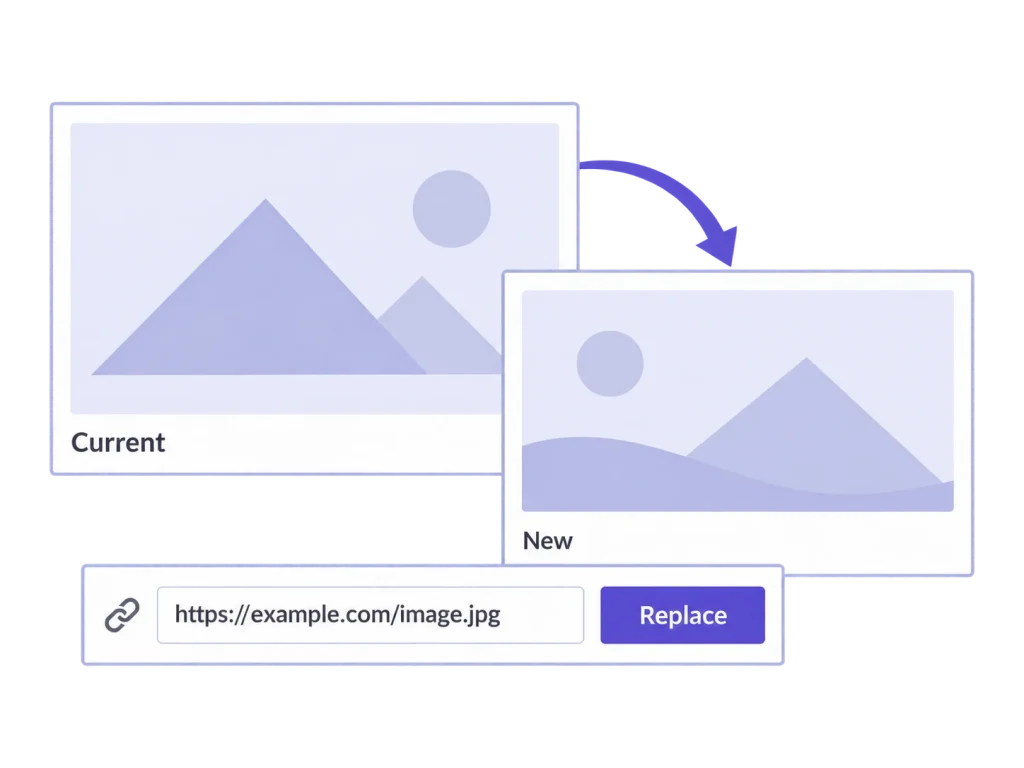
The type of file, the intended URL and the next editing task all affect the right choice.
A replacement portrait and an updated PDF are different requirements. MediaToolkit Image Replace covers supported images.

Preserving an existing URL is a different operation from changing a filename and updating references.

An updated image may change the composition of every thumbnail. Make reviewing those crops part of the job.
Manufacturer documentation checked 20 October 2026. Compare file scope and replacement modes before the extra tools. Source links are in the FAQ; no universal replacement claim is made.
| Comparison point | MediaToolkit | Enable Media Replace |
|---|---|---|
| Same-format image update |
Main identity retained Replace an image in the same supported format, keeping its attachment ID, main URL and image texts. |
Same-type replacement Its basic mode retains the attachment name when uploading the same file type. |
| Other uploaded files |
Images in supported formats Image Replace is not a general PDF, document, audio or video replacement tool. |
Broader uploaded-file scope The publisher documents replacement of images and other media files. |
| New filename or type |
Same format and main URL No replacement mode for renaming the file or changing its format. |
Alternative replacement mode A new-name/type mode includes updating links. |
| Generated thumbnails |
Rebuild and review Replacement regenerates thumbnails and replaces custom crops. Review the new composition. |
Regeneration is documented The publisher describes rebuilding thumbnails; source dimensions and caching still matter. |
| The next image task |
Tools in the same toolkit Continue with per-size cropping, resizing, image texts and categories. |
Specialist replacement Assess the replacement workflow separately from other image-management requirements. |
| Cost and plans |
Yearly subscription Full MediaToolkit features, Insights and email support in each website-based plan. |
Free plugin Its replacement features are offered as a free WordPress plugin. |
Choose for repeated image editing
…replacing the image is one step in a regular crop, resize and editorial maintenance workflow. You want those tasks together and only need replacement in the same supported image format.
Choose for replacement scope
…you need a free specialist, broader file replacement or its new-name/type mode. It is a relevant choice even when MediaToolkit covers other parts of your image workflow.
Keep the existing media item and give the new image the attention it needs.
Open Replace Images, select a new file in the same supported format and compare the preview before saving. The main URL and image texts remain. Thumbnails are rebuilt and custom crops replaced; this is a deliberate content update, not a reversible draft after saving.
Check that the new file has the expected content and supported format in the preview. Consider the thumbnail placements it will need to supply. Replacement changes the existing media item; it is not a second attachment waiting for later approval.
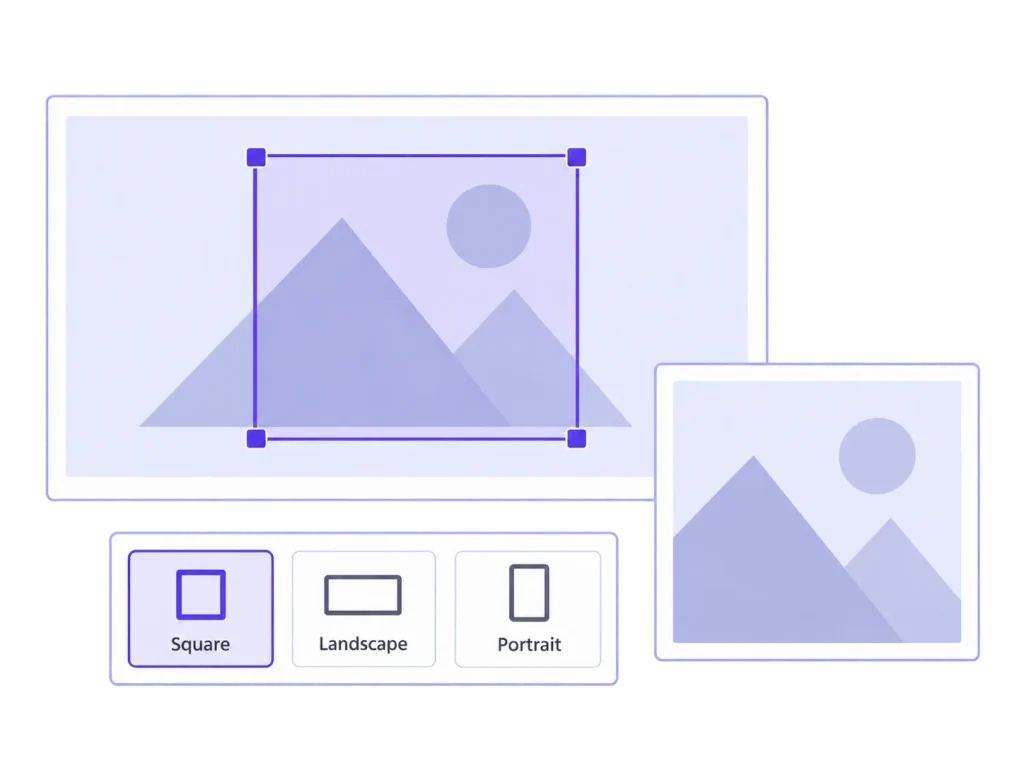
A new headshot needs its own framing. Review thumbnail previews after replacement, set a focal point and adjust individual sizes. Clear any external cache still showing the old version.
Review the visible thumbnail where visitors will see it, rather than stopping at the editor preview. If an external cache still serves the old image, refresh it through your existing setup and check the result again before closing the update.
No. Its current replacement tool is for supported images in the same format. Enable Media Replace documents a broader uploaded-file workflow and may be the better fit when documents or other media types are the requirement.
MediaToolkit retains the main image URL. Enable Media Replace has a same-type replacement mode and a separate mode that can change the name/type and update links. Select the operation that matches your intended result.
A browser, page cache or CDN can retain an older file. Keeping the URL does not invalidate every external cache. Review the actual file and thumbnail output, then clear the relevant cache through your existing setup.
No. Replacing an image rebuilds thumbnails and replaces the custom crops. The replacement image needs its own review. This differs from regeneration that can reuse valid MediaToolkit crop settings for an unchanged source.
MediaToolkit is a yearly subscription with automatic renewal, cancellable at the end of the paid term. Sources checked 20 October 2026: the linked plugin listing, maintainer repository and publisher troubleshooting guidance.
Related workflows: Replace WordPress images · Crop thumbnails after an update · Image work for marketing teams.
Manufacturer sources, checked 20 October 2026: Enable Media Replace on WordPress.org · Enable Media Replace maintainer repository · Publisher guidance on replacements and caching. This comparison uses published documentation, not a head-to-head performance test.